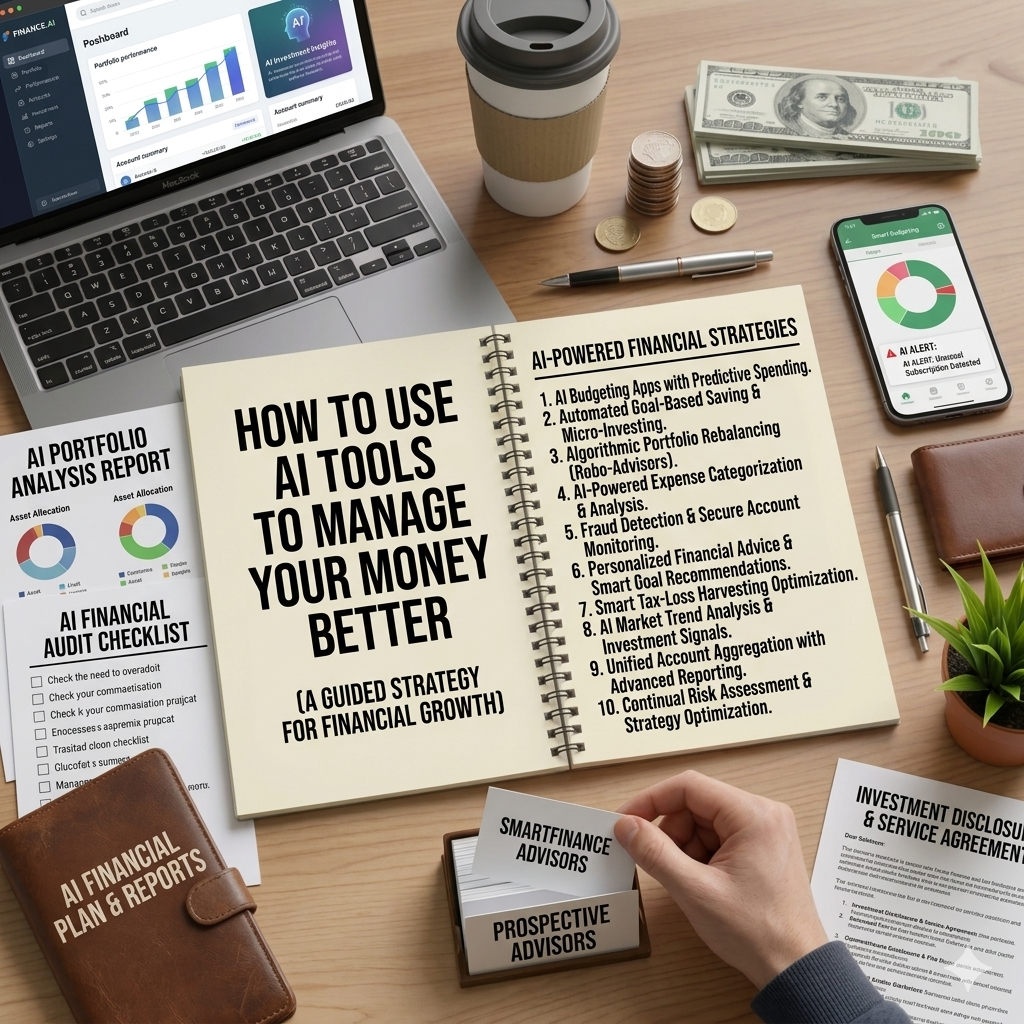
How To Use Ai Tools To Manage Your Money Better
Ai has made personal finance easier than ever. Here’s how to use Ai-Powered tools to track spending, build a budget, pay off debts and make smarter money decisions — mostly free
Managing money used to mean spreadsheets, manual calculations, and hours spent trying to make sense of bank statements. Today, artificial intelligence has changed all of that. AI-powered tools can now track your spending automatically, help you build a budget in minutes, flag unusual transactions, and even give you personalised financial advice — all from your phone.
The best part? Most of these tools are free or very affordable. In this guide, we'll walk you through exactly how to use AI tools to manage your money better, reduce financial stress, and make smarter decisions with what you earn.
Why Use AI for Personal Finance?
Traditional money management relies heavily on manual effort — recording transactions, categorising expenses, calculating totals, and spotting patterns. Most people find this tedious and eventually stop doing it. AI removes the friction by automating the parts that feel like a chore, making it dramatically easier to stay on top of your finances consistently.
AI financial tools can:
- Automatically track and categorise every transaction
- Identify spending patterns you wouldn't notice manually
- Alert you when you're approaching a budget limit
- Predict upcoming expenses based on your history
- Suggest ways to save based on your actual spending behaviour
- Answer financial questions in plain language, instantly
The result is a clearer, more accurate picture of your finances — with far less effort than traditional methods.
1. Use AI-Powered Budgeting Apps to Track Your Spending Automatically
The most immediate way to use AI for your finances is through a smart budgeting app that connects to your bank accounts and automatically tracks your spending. Instead of manually logging every purchase, the app does it for you — categorising transactions, flagging unusual spending, and showing you exactly where your money goes in real time.
Some of the best AI-powered budgeting apps available in 2025:
- YNAB (You Need a Budget) — uses AI to help you assign every dollar a job and learn from your spending patterns. Widely regarded as one of the most effective budgeting tools available. Free trial available, then a subscription fee.
- Copilot — an AI-first budgeting app that learns your spending habits over time and provides increasingly personalised insights. Currently available for iOS.
- Monarch Money — connects all your financial accounts in one place, uses AI to categorise transactions and generate insights, and offers collaborative budgeting for couples.
- Money Manager — a popular option for users in Africa and Asia with manual and semi-automatic tracking features and clean AI-assisted reports.
The key is to connect the app to your actual accounts so it has real data to work with. The more data it has, the smarter and more personalised its insights become over time.
2. Use ChatGPT or Claude to Build a Personalised Budget
You don't need a financial advisor to build a solid personal budget. AI assistants like ChatGPT and Claude can walk you through the entire process in a single conversation — asking about your income, your expenses, your financial goals, and your lifestyle — and help you build a realistic, personalised budget in minutes.
Here's how to get the most out of this approach:
- Share your actual income and expense figures — the more specific you are, the more useful the output
- Tell the AI your financial goals — emergency fund, debt payoff, saving for a house, investing
- Ask it to suggest a budgeting method that suits your situation (50/30/20, zero-based, envelope method)
- Ask follow-up questions — "How do I reduce my food spending?" or "What should I prioritise first, debt or savings?"
AI assistants are available 24/7, judgment-free, and infinitely patient. They're particularly useful for people who feel embarrassed discussing money with others or who can't afford professional financial advice.
3. Use AI to Analyse Your Bank Statements
One of the most powerful but underused applications of AI for personal finance is uploading your bank statements to an AI assistant and asking it to analyse your spending. You can export your bank statement as a PDF or CSV file and ask ChatGPT or Claude to:
- Categorise your spending and show you a breakdown
- Identify your biggest spending categories
- Spot recurring charges you might have forgotten about
- Calculate how much you're spending on specific categories like food, transport, or entertainment
- Suggest specific areas where you could cut back based on the data
This turns a raw list of transactions into actionable financial intelligence in minutes — something that would take hours to do manually.
4. Use AI Tools to Get Out of Debt Faster
If you're carrying debt — credit cards, personal loans, student loans — AI tools can help you build a debt payoff plan that's mathematically optimised for your situation.
Ask an AI assistant to:
- Calculate how long it will take to pay off each debt at your current payment rate
- Compare the debt snowball vs debt avalanche method for your specific debts
- Show you how much interest you'd save by paying an extra fixed amount each month
- Create a month-by-month payoff schedule you can follow
Seeing the numbers clearly — exactly how long debt will last and how much it's costing you in interest — is a powerful motivator. AI makes these calculations instant and easy to understand.
5. Use AI to Plan and Optimise Your Savings
AI tools are excellent at helping you set realistic savings goals and build a plan to reach them. Whether you're saving for an emergency fund, a holiday, a car, a house deposit, or retirement — an AI assistant can calculate exactly how much you need to save per month to hit your target by your deadline.
Try prompts like:
- "I want to save $5,000 in 12 months. My monthly income is $2,500 and my fixed expenses are $1,800. How can I reach this goal?"
- "What's the fastest way to build a three-month emergency fund on a $1,500 monthly salary?"
- "Help me compare keeping my savings in a regular account vs a high-yield savings account over five years."
The AI will give you a clear, practical plan — and you can keep refining it with follow-up questions until it fits your reality.
6. Use AI Investing Tools to Start Growing Your Money
For those ready to start investing, AI-powered platforms have made it easier than ever to begin — without needing financial expertise.
- Robo-advisors like Betterment, Wealthfront, and Nutmeg use AI to automatically build and manage a diversified investment portfolio based on your goals, time horizon, and risk tolerance. You answer a few questions, deposit money, and the AI does the rest.
- AI stock screeners help more experienced investors filter stocks based on specific criteria — earnings growth, valuation, dividend yield, and more.
- AI financial news summarisers like Perplexity AI can quickly summarise market news and economic developments so you stay informed without spending hours reading financial reports.
For beginners, robo-advisors are particularly valuable — they remove the complexity of portfolio construction and rebalancing, making investing accessible to anyone regardless of knowledge level.
7. Use AI to Prepare for Big Financial Decisions
Facing a major financial decision — taking out a loan, buying a car, renting vs buying a home, negotiating a salary — can be overwhelming without the right information. AI assistants can help you think through the numbers clearly before you commit.
Examples of how to use AI for big decisions:
- "I'm considering taking out a $10,000 personal loan at 12% interest over 3 years. What will my monthly payments be and how much total interest will I pay?"
- "Help me compare renting at $800 per month vs buying a home at $150,000 with a 10% deposit over 20 years."
- "I've been offered a job at $45,000 per year. The market rate is $52,000. Help me build a case to negotiate a higher salary."
Having clear numbers in front of you transforms emotional, anxiety-driven decisions into informed, rational ones.
Important Limitations to Keep in Mind
AI financial tools are powerful — but they have real limitations worth understanding:
- AI assistants don't know your full situation. They work with the information you give them. The more context you provide, the better the advice.
- AI is not a licensed financial advisor. For complex situations — tax planning, estate planning, investment management for significant sums — consult a qualified human professional.
- Privacy matters. Be thoughtful about what financial data you share with AI tools. Use reputable, established platforms and read their privacy policies.
- AI can make mistakes. Always verify important calculations and double-check significant financial decisions independently.
The Bottom Line
AI has democratised access to financial tools and knowledge that used to be available only to those who could afford professional advisors. Today, anyone with a smartphone can track their spending automatically, build a personalised budget, plan their debt payoff, and start investing — all with AI assistance.
The tools are available. They're mostly free. And they work best when you use them consistently.
Pick one tool from this guide and start using it this week. Your future finances will thank you.
Are you already using any AI tools to manage your money? Which ones have been most useful for you? Share in the comments below!
 Nathaniel_Adamu
Related Posts
 AI & Money
 AI & Money
0 Comments
No comments yet. Be the first to comment!
Leave a comment
Trending News



Newsletter
Stay updated with the latest personal finance and money tips.