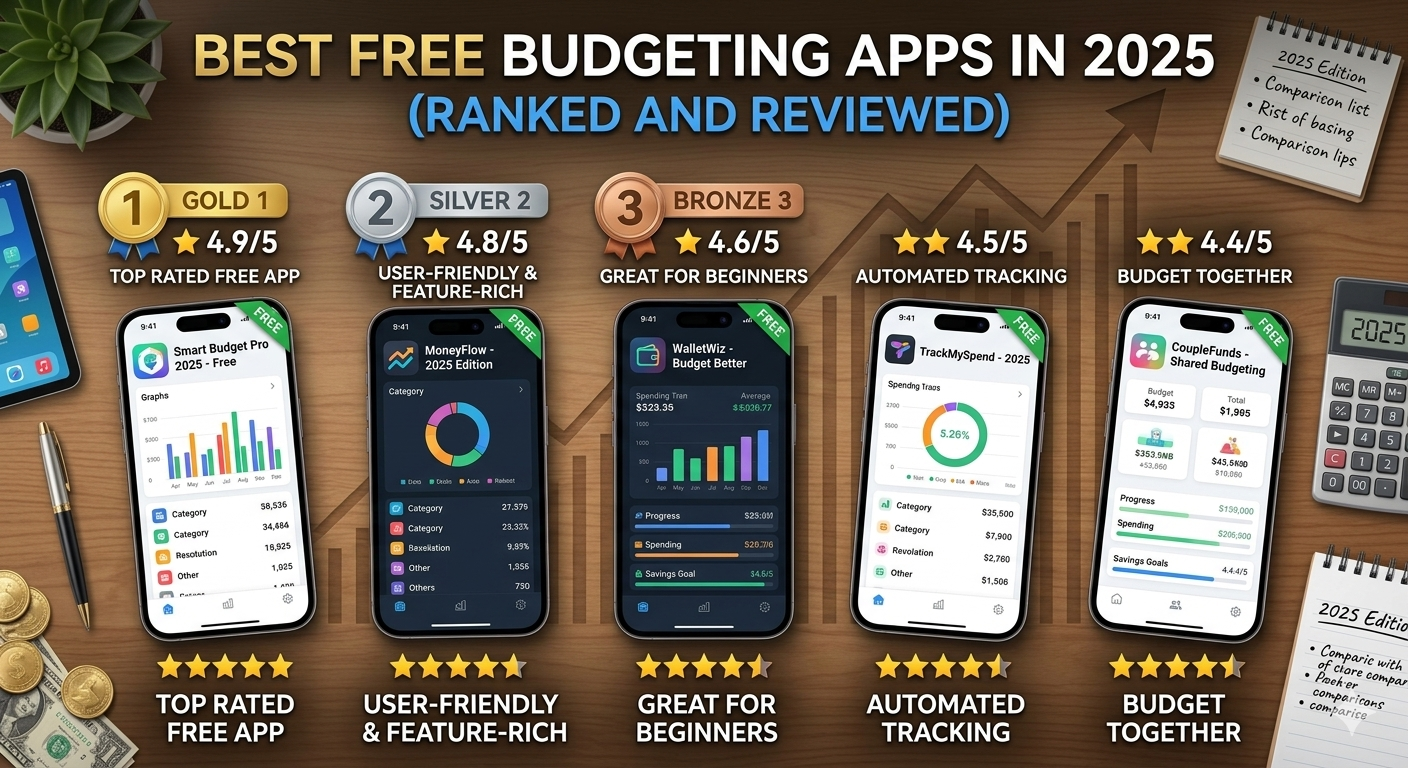
Best Free Budgeting Apps in 2025 (Ranked and Reviewed)
The right budgeting app makes managing money significantly easier. Here are the best free budgeting apps in 2025 — ranked, reviewed, and matched to different financial needs.
Tracking your money manually — writing down every purchase, updating spreadsheets, calculating totals — is exactly as tedious as it sounds. It's one of the main reasons people start budgeting with good intentions and quit within a few weeks. The right budgeting app removes most of that friction, making it significantly easier to stay on top of your finances consistently.
The good news is that some of the best budgeting tools available today are completely free. In this post, we've ranked and reviewed the best free budgeting apps in 2025 — what they do well, who they're best for, and which one is right for your situation.
What to Look for in a Budgeting App
Before diving into the list, here's what separates a genuinely useful budgeting app from one that sounds good but doesn't deliver:
- Ease of use — if it takes too long to log a transaction or the interface is confusing, you won't use it consistently
- Automatic transaction tracking — apps that connect to your bank and categorise spending automatically save significant time
- Useful insights — good apps show you patterns in your spending, not just raw numbers
- Goal setting — the ability to set savings goals and track progress keeps you motivated
- Security — any app connected to your financial accounts should use bank-level encryption and strong privacy practices
- Availability — works in your country and on your device
With those criteria in mind, here are the best free budgeting apps in 2025.
1. YNAB (You Need a Budget) — Best for Serious Budgeters
YNAB is widely regarded as the most effective budgeting app available — and for good reason. Its entire philosophy is built around one powerful idea: give every dollar a job before you spend it. Instead of tracking where money went after the fact, YNAB helps you plan where it will go in advance.
The app uses four core rules: give every dollar a job, embrace your true expenses (irregular costs), roll with the punches (adjust when life happens), and age your money (spend money you earned weeks ago, not yesterday). It sounds simple, but applied consistently, these principles genuinely transform how people manage money.
YNAB connects to your bank accounts, syncs transactions automatically, and provides detailed reports on your spending, net worth, and progress toward goals. Its community and educational resources are also among the best of any budgeting app.
Free? YNAB offers a 34-day free trial. After that it's $14.99 per month or $99 per year — making it the only paid app on this list. It's included because the trial is long enough to see real results, and many users find it worth the cost.
Best for: People who are serious about changing their financial habits and want a structured, proven system
Available: iOS, Android, Web
2. Mint — Best Free All-in-One Budgeting App
Mint has long been one of the most popular free budgeting apps globally, and in 2025 it remains a strong option for anyone wanting a comprehensive, free tool. It connects to your bank accounts, credit cards, loans, and investments — giving you a complete picture of your financial life in one place.
Mint automatically categorises your transactions, tracks your spending against budget limits you set, and sends alerts when you're approaching a category limit or when an unusual transaction appears. It also tracks your credit score for free and offers basic investment tracking.
The app is supported by advertising — it suggests financial products like credit cards and loans based on your profile. Some users find this useful; others find it distracting. Either way, the core budgeting functionality is solid and genuinely free.
Free? Yes, completely free
Best for: People who want a free, comprehensive budgeting tool with automatic tracking and minimal setup
Available: iOS, Android, Web
3. Personal Capital (now Empower) — Best for Tracking Net Worth and Investments
Personal Capital, rebranded as Empower in 2023, is a free financial dashboard that excels at giving you a complete picture of your financial health — including investments, retirement accounts, debt, and net worth — alongside basic budgeting tools.
If you're starting to invest and want to track your portfolio alongside your day-to-day spending, Empower is one of the best free tools available. Its investment checkup feature analyses your portfolio's asset allocation and fee structure, and its retirement planner projects your financial future based on current savings and spending.
The budgeting features are less sophisticated than dedicated budgeting apps like YNAB or Mint, but for someone who wants a high-level financial overview more than granular budget tracking, Empower is excellent.
Free? Yes, the core tools are free. Empower also offers a paid wealth management service for those with larger portfolios.
Best for: People who invest and want to track their full financial picture — spending, savings, investments, and net worth — in one place
Available: iOS, Android, Web
4. Goodbudget — Best for the Envelope Budgeting Method
Goodbudget is a digital version of the classic cash envelope budgeting method — where you allocate money to specific spending categories (envelopes) at the start of the month and only spend what's in each envelope. When an envelope is empty, spending in that category stops until next month.
Unlike most budgeting apps, Goodbudget does not connect to your bank accounts — you enter transactions manually. This makes it slightly more effort to use, but many people find that the manual process increases their awareness and engagement with their spending in a way that automatic tracking doesn't.
The free plan includes 20 envelopes and one account, which is sufficient for most individuals and couples. The plus plan adds unlimited envelopes and accounts for a small monthly fee.
Free? Yes, with a generous free tier
Best for: People who want to use the envelope method digitally, couples managing shared finances, and anyone who prefers manual tracking for greater awareness
Available: iOS, Android, Web
5. PocketGuard — Best for Preventing Overspending
PocketGuard's standout feature is its "In My Pocket" calculation — a real-time figure showing exactly how much money you have available to spend after accounting for bills, savings goals, and necessities. It takes the guesswork out of knowing whether you can afford something right now.
The app connects to your bank accounts, categorises transactions automatically, identifies recurring subscriptions, and helps you spot bills where you might be overpaying. Its interface is clean and simple — deliberately designed to be less overwhelming than feature-heavy alternatives.
PocketGuard is particularly useful for people who struggle with impulse spending and want a simple, clear answer to "can I afford this right now?" rather than a detailed breakdown of their entire financial life.
Free? Yes, with a free core plan. PocketGuard Plus adds additional features for a monthly fee.
Best for: People who overspend and want a simple, real-time guardrail on their daily spending
Available: iOS, Android
6. Spendee — Best for Visual Budgeting
Spendee is a beautifully designed budgeting app that presents your financial data through clean, colourful visuals — charts, graphs, and spending breakdowns that make it easy to understand your financial picture at a glance. If you respond better to visual information than tables and numbers, Spendee is worth trying.
The app supports manual transaction entry and bank connection (in supported countries), multiple currencies, and shared wallets — making it a good option for couples or groups managing shared expenses like household costs or travel.
Free? Yes, with a free basic plan. Premium features including bank sync are available on paid plans.
Best for: Visual learners who want an attractive, easy-to-understand overview of their spending
Available: iOS, Android, Web
7. Money Manager — Best for Users in Africa and Asia
Money Manager is one of the most popular budgeting apps in Africa and Asia, with a clean interface, strong manual tracking features, and detailed reports that work well even without bank connectivity. It supports multiple currencies and accounts, making it particularly useful for people managing money across different accounts or in countries where automatic bank sync isn't widely available.
The app lets you track income and expenses across multiple categories, set budgets, view spending reports, and export data. It's straightforward, reliable, and free — making it one of the best options for users in regions where global apps like Mint have limited functionality.
Free? Yes, free with optional premium features
Best for: Users in Africa and Asia who want a reliable, manual budgeting tool with strong reporting
Available: iOS, Android
Which Budgeting App Is Right for You?
The best budgeting app is the one you'll actually use consistently. Here's a quick summary to help you choose:
- Want the most effective system and willing to pay after the trial: YNAB
- Want a comprehensive free tool with automatic tracking: Mint
- Want to track investments and net worth alongside spending: Empower (Personal Capital)
- Prefer the envelope method or want manual control: Goodbudget
- Struggle with overspending and want simple guardrails: PocketGuard
- Want beautiful visuals and shared wallet features: Spendee
- Based in Africa or Asia and want reliable manual tracking: Money Manager
Tips for Getting the Most Out of Any Budgeting App
- Set it up completely from the start. Connect all your accounts, set your budget categories, and input your income. An incomplete setup produces incomplete insights.
- Check in weekly, not just monthly. A weekly review lets you catch overspending early — before it blows your entire month's budget.
- Don't ignore the alerts. Most apps will notify you when you're approaching a budget limit. Take those notifications seriously.
- Give it at least 60 days. The first month of using any budgeting app is always the most revealing — and sometimes the most uncomfortable. Stick with it. The insights get more valuable over time as the app learns your patterns.
The Bottom Line
There has never been a better time to take control of your finances — and a good budgeting app makes the process significantly easier than doing it manually. The apps on this list are free, well-designed, and genuinely effective when used consistently.
Pick one. Download it today. Set it up completely. And give it 60 days before judging whether it's working.
The hardest part of budgeting is starting. A good app makes everything after that easier.
Which budgeting app do you use, or which one are you going to try first? Let us know in the comments — your recommendation might be exactly what someone else needs to hear!
 Nathaniel_Adamu
Related Posts
 Budgeting & Saving
 Budgeting & Saving
 Budgeting & Saving
0 Comments
No comments yet. Be the first to comment!
Leave a comment
Follow Us
Trending News


Newsletter
Stay updated with the latest personal finance and money tips.